Three Native macOS Tools for a Designer Workflow.
/
Origin
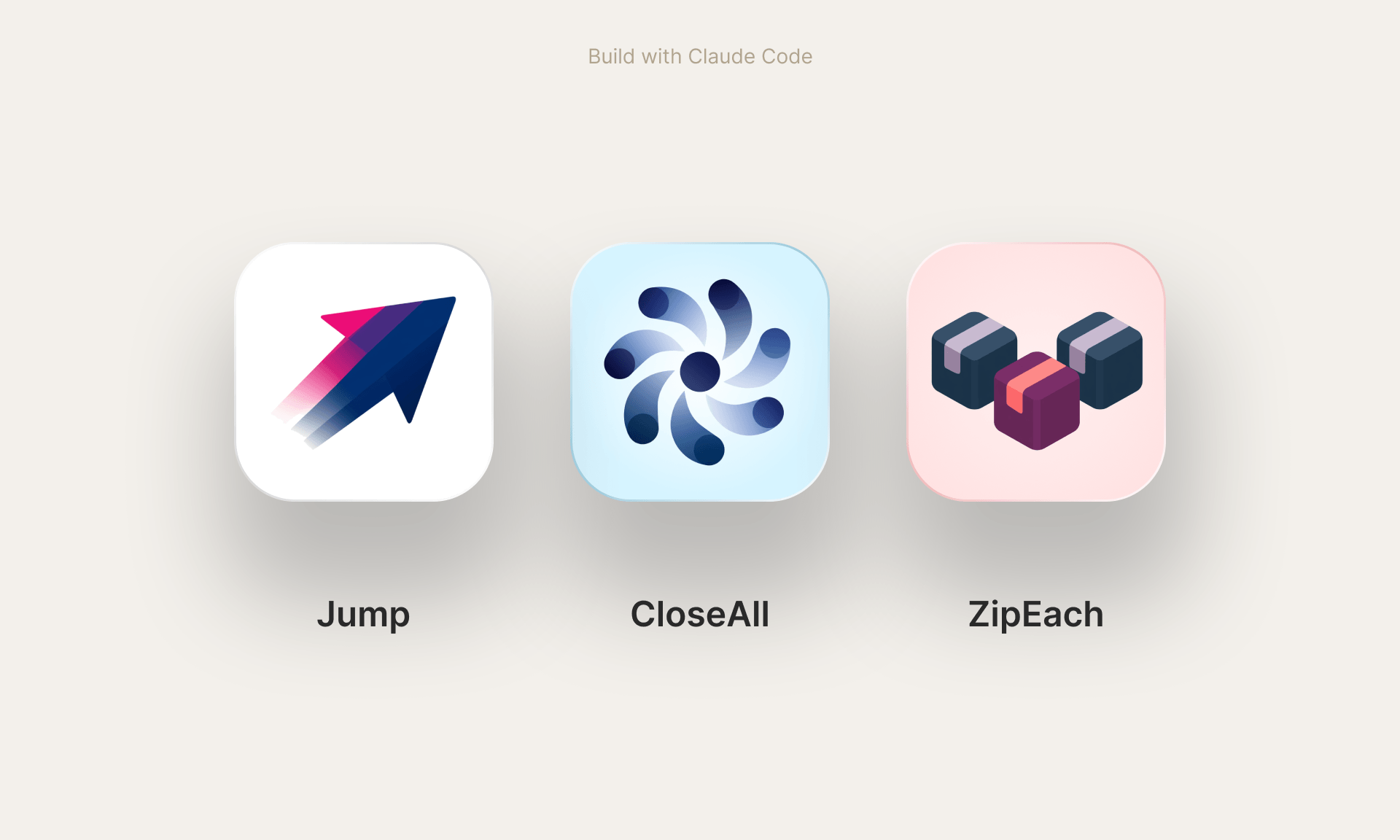
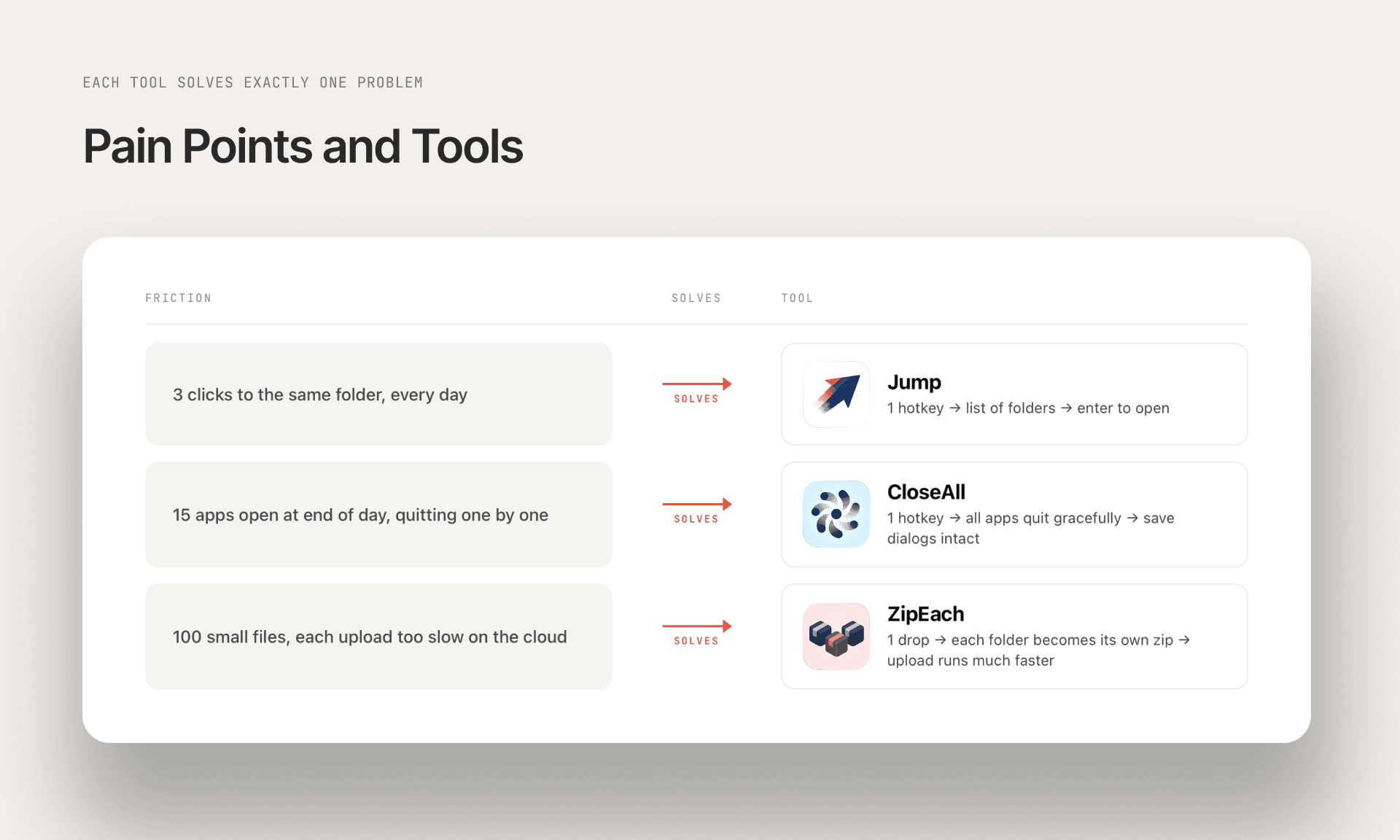
Three tools for three recurring friction points.
A designer's workflow has dozens of small friction points. Each one harmless on its own, together a constant background noise. My answer: small native macOS apps, each solving exactly one problem. No framework, no settings wizard, no onboarding. The form factor matches the size of the problem.
/
Form Factor
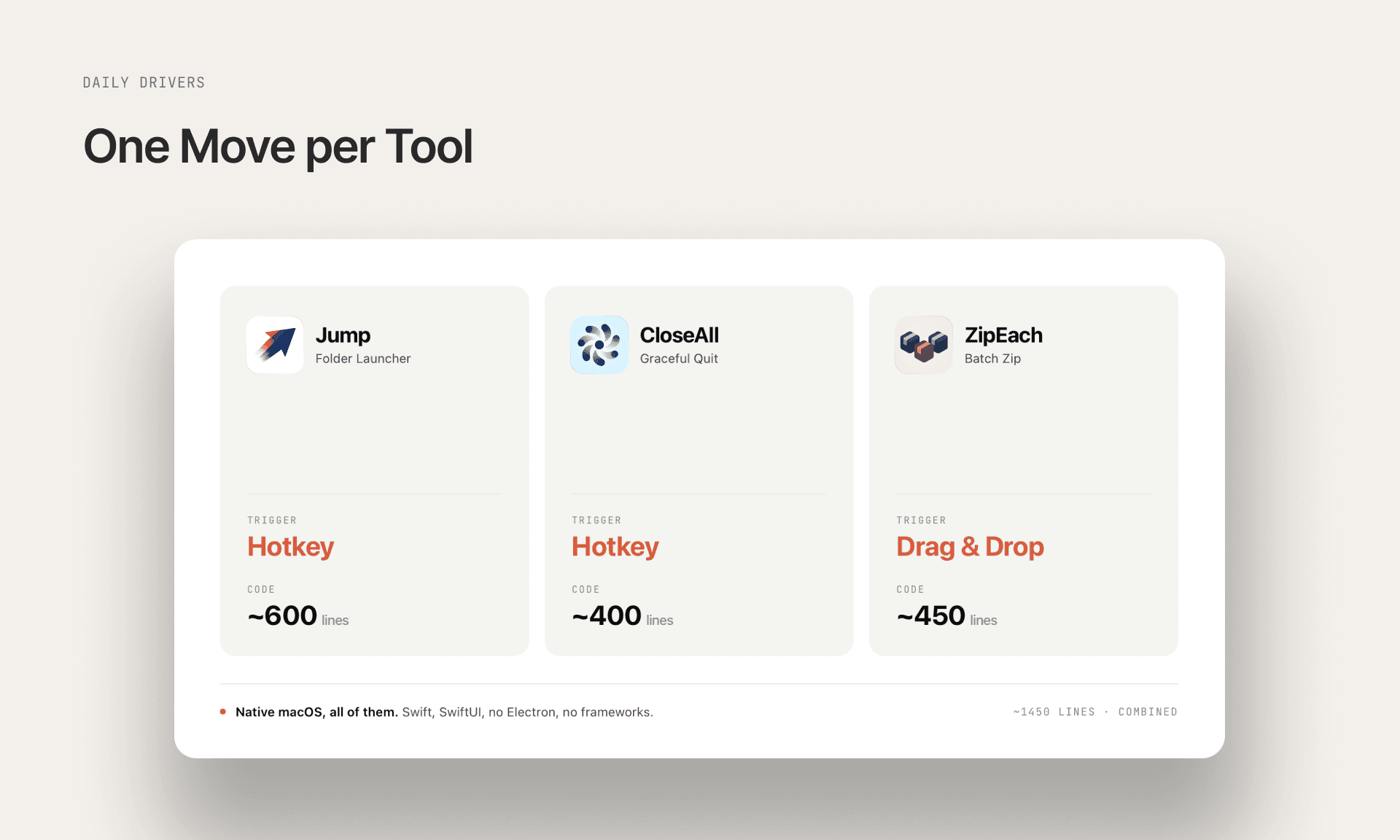
Each tool has exactly one trigger.
Each tool has exactly one trigger. A hotkey for Jump and CloseAll, drag and drop for ZipEach. Native macOS in Swift and SwiftUI, not Electron. Designer tools should feel like part of the OS, not like web apps in a wrapper. Combined codebase under 1,500 lines.
/
Posture
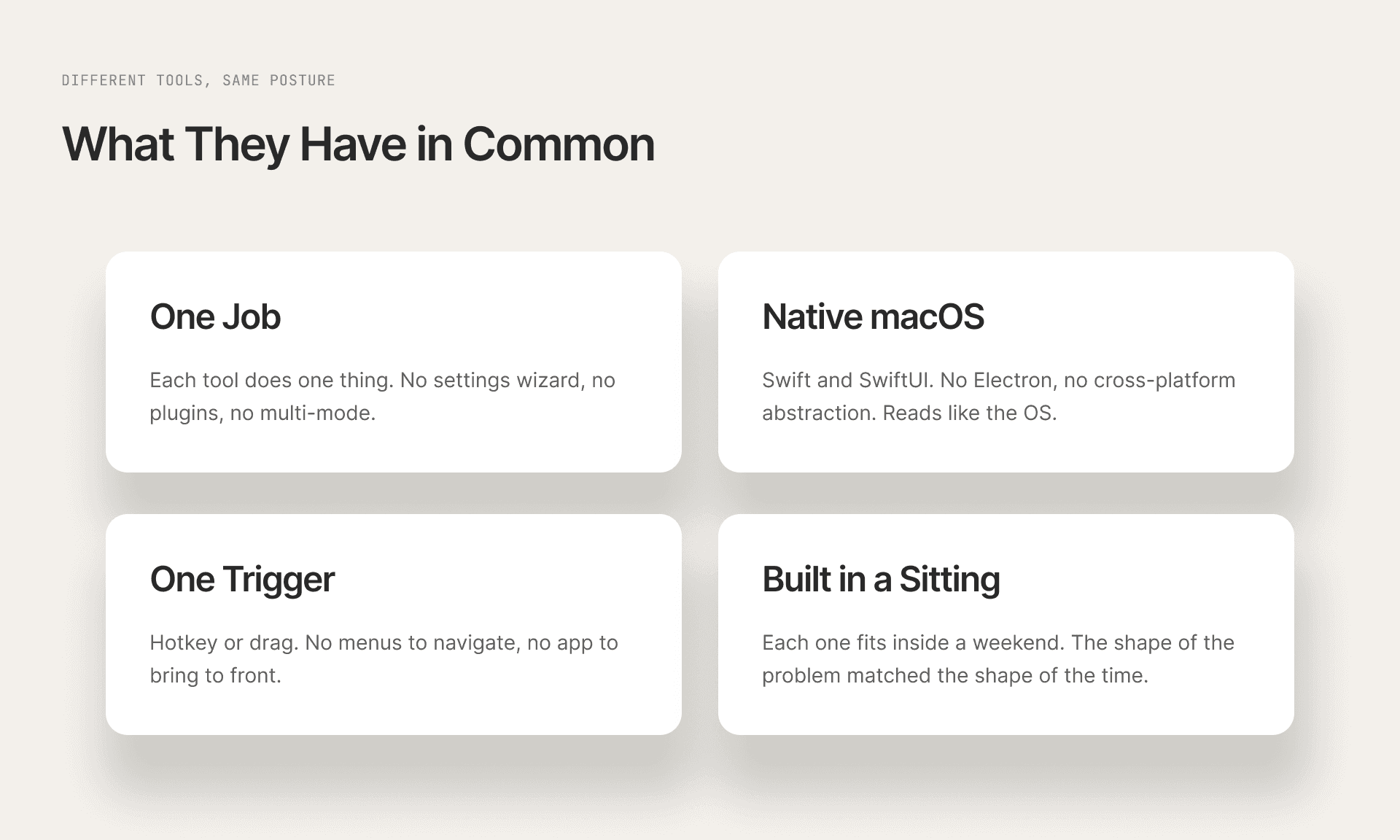
What these three tools have in common.
Different APIs, different use cases, same posture. A recurring problem becomes a weekend project, not a complaint in my head. The same approach I take to design problems in a team. When the right tool does not exist, build it.
/
More Work
Continue Exploring.
Other custom tools and workflows I built to sharpen my own design practice.